Most phishing emails don't arrive looking obviously fake. They land in an inbox that already holds forty other messages, they carry a logo you recognise, and they ask for something small: a quick confirmation, a click, a payment that takes two minutes. The damage usually happens in the gap between reading and reacting.
The encouraging part is that phishing is repetitive. The same handful of tricks appear again and again, and most of them fall apart under a few seconds of scrutiny. What follows are eight red flags, roughly in the order you will meet them, plus a short routine for the moments when a message feels slightly off but you can't explain why.
The Eight Red Flags at a Glance
If two or more of these apply to the same message, treat it as hostile until you have confirmed it through a channel you chose yourself.
- The sender address doesn't match the name. The display name says your bank; the address behind it is a random string at a free mail service.
- The greeting is wrong or missing. "Dear Customer" from a company that normally writes your name.
- Urgency or a threat. Your account will be closed, a payment will fail, a parcel will be returned — all within hours.
- A link that points somewhere unexpected. The visible text and the real destination disagree.
- An attachment you didn't ask for, especially an invoice, a receipt or a "scanned document".
- A request for secrecy, or a favour that skips the normal process. "Don't mention this to anyone yet."
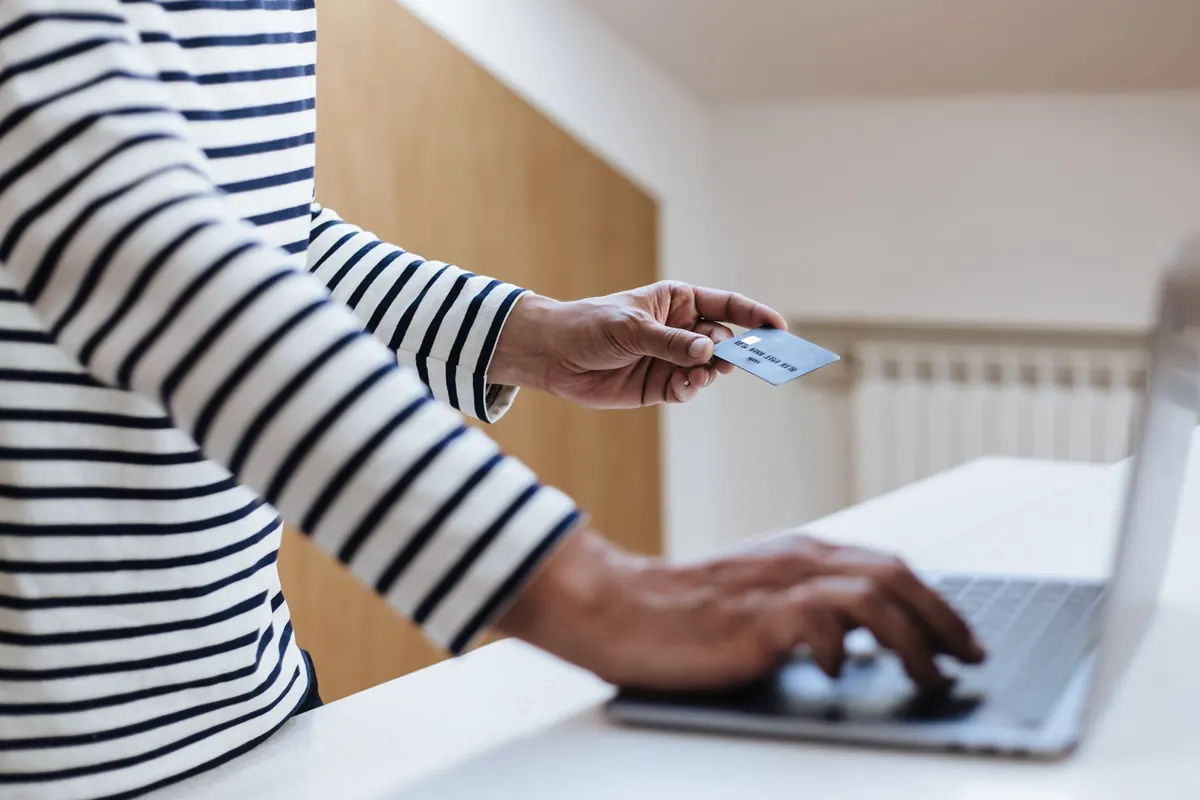
- Payment demanded in gift cards, cryptocurrency, or a wire to a brand-new account.
- Anyone asking for a password or a one-time login code, including codes from your authenticator app.
Read the Address, Not Just the Name
The display name in your inbox is free text. Anyone can set it to "PayPal Service", "HR Department" or the name of your own colleague. The part that matters is the address behind it, so on a phone tap the sender name to expand it, and on a desktop look for the small arrow or tooltip.
Then read the domain — the part immediately before the final .com, .it or similar. Real companies send from their own domain. Watch for characters swapped to look alike, an extra word glued on, or hyphens used to imitate a brand.
The reply-to trick
Some messages come from a plausible-looking address and quietly set a different reply-to address, so your answer goes to the attacker. If a thread suddenly changes address mid-conversation, stop and confirm by phone. This is the same manoeuvre behind invoice fraud, where a supplier's real email thread gets hijacked and the bank details on the attached invoice change by one line.
Pressure Is the Point
Urgency exists to shorten your thinking. A deadline of a few hours, a countdown image, a warning about legal action or a suspended account — none of that is how a legitimate organisation handles a routine matter. Real institutions expect you to verify things, and they will wait while you do.
"Your mailbox has exceeded its storage limit. Re-validate within 24 hours to avoid deletion." Two flags in one sentence: a threat and a hurry.
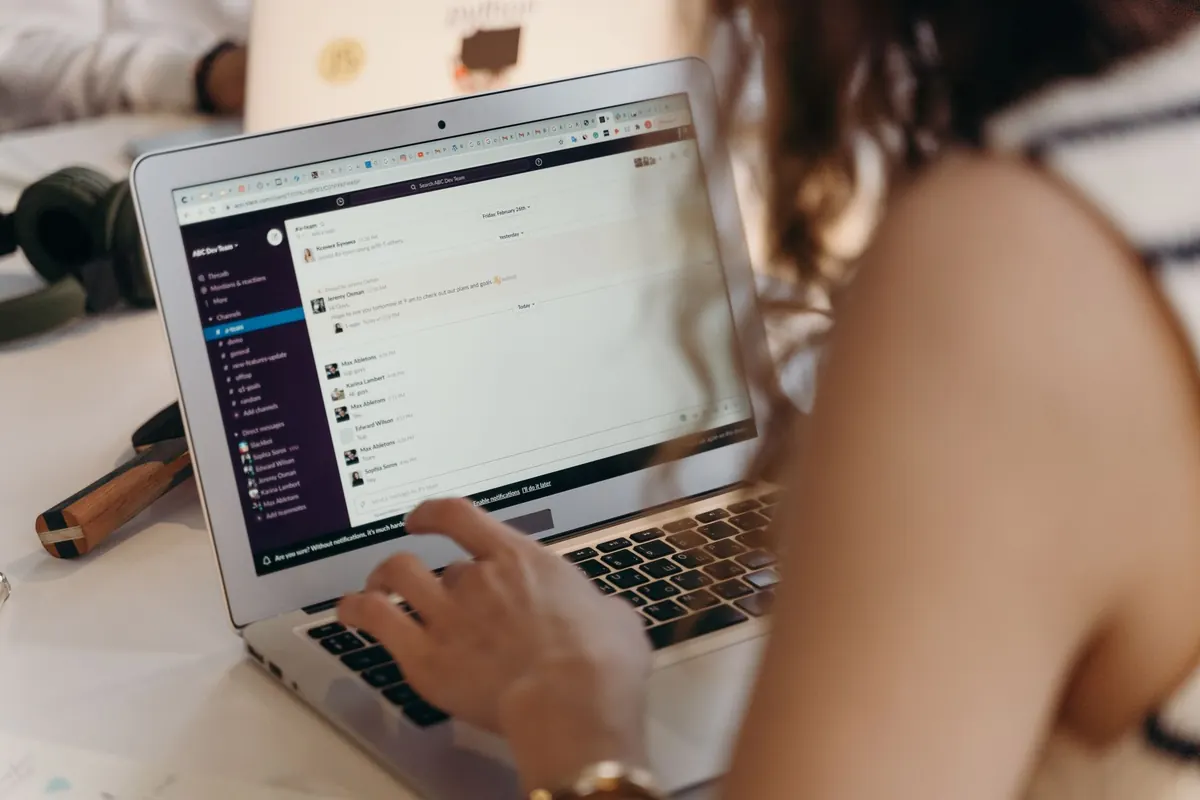
The opposite tactic is boredom. A quiet invoice, a shared document, a voicemail notification. Those are designed to be processed on autopilot, usually on a Monday morning with a coffee in hand. If a message is both unexpected and dull, that is a reason to slow down, not to skim.
Hover, Inspect, Don't Trust the Button
Before clicking anything, check where it actually goes.
- Hover on desktop, long-press on mobile to preview the destination address.
- Find the real domain. In a long web address, the registered domain sits immediately to the left of the first single slash. In login.yourbank.example.secure-portal.net/verify, the site you would actually visit is secure-portal.net.
- Remember what HTTPS means. The padlock says the connection is encrypted, not that the site is honest. Anyone can obtain a certificate.
- Be wary of unexpected attachments. Be extra careful with HTML attachments, macro-enabled documents and archives, which are common delivery methods for malware.
- Type it or bookmark it instead. If the message really came from your bank, the same page exists in your browser's saved bookmark.
When the Ask Is Money or Codes
Three requests deserve a hard stop every time.
Gift cards. No employer, tax office, utility or software company collects payment in gift card codes. Once the codes are read out, the money is gone and it is rarely recovered.
New bank details. If a supplier, landlord or client emails changed account information, call them on a number you already had — not the number in the email — and confirm before transferring anything.
Login codes and passwords. Support staff never need your password, and the codes your bank or workplace sends you are the last line of defence. Read them aloud to a caller and you have effectively handed over your account. If money or contracts are involved and something feels wrong, contact your bank's fraud line or a qualified adviser before acting.
What to Do When Something Feels Off
Trust the hesitation. It costs nothing to pause for thirty seconds and check.
- Don't click, don't reply, don't forward it to colleagues as a curiosity.
- Reach the organisation through a route you chose: a bookmark, a typed address, the number on your card or statement.
- Report it in your mail client so filters learn, and tell your IT or security team if it arrived at work.
- Delete it once reported. There is no need to keep it "just in case".
If you already clicked or entered details, act quickly: change the password from a different device, turn on two-factor authentication with an app or a hardware key rather than text messages, review recent logins and any forwarding rules added to your mailbox, and call your bank if payment information was involved.
Nobody gets this right every time. Phishing works because it arrives on busy days and looks like work. What protects you is not perfect judgement but a small habit: slow down at the moment of the click, verify through a second channel, and never let a stranger decide how fast you have to move.
Photo: cottonbro studio / Pexels